Main
The main window is the core interface of the application, designed to provide quick access to the viewer, jobs, and data.
Viewer
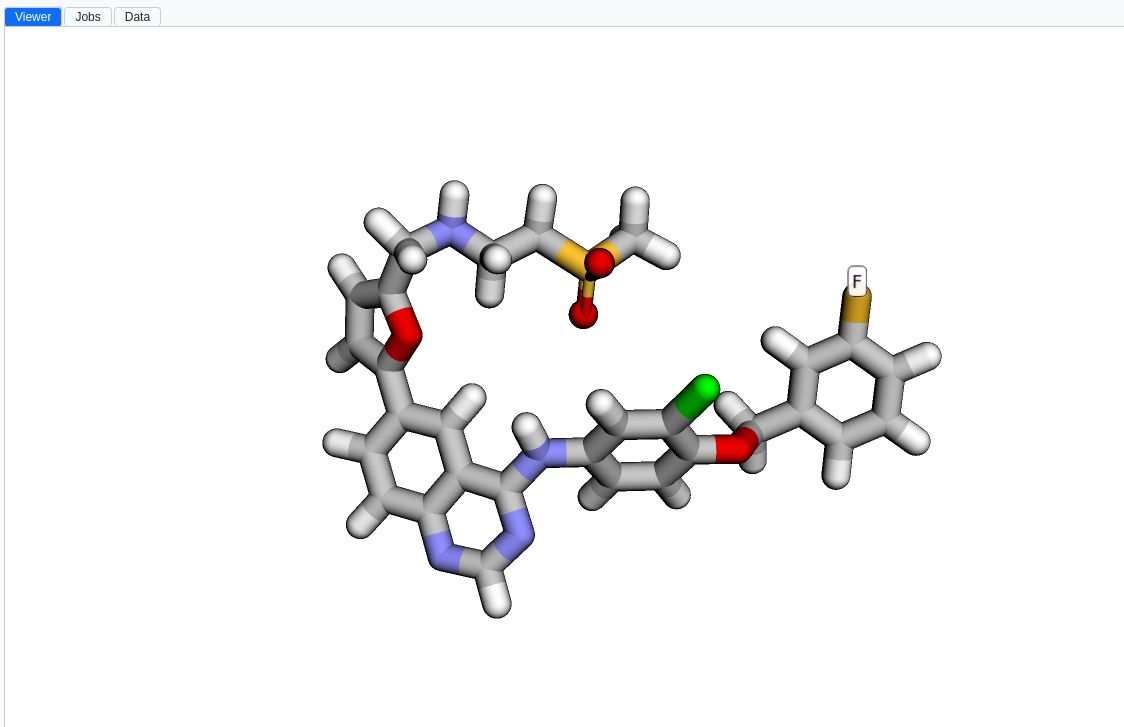
The viewer is essential for visualizing molecules such as proteins and compounds. Through the Styles panel, it offers a range of customizable visual representations, allowing for detailed views of molecular structures. The viewer works together with the Navigator: selecting an entry in the Navigator updates the corresponding visuals in the viewer.
You can export the current scene as a PNG image (File Graphics Save a PNG Image (guided tour)) or as a VRML2 3D model (File Graphics Save a VRML2 Model (guided tour)) for use in external rendering software.
Jobs
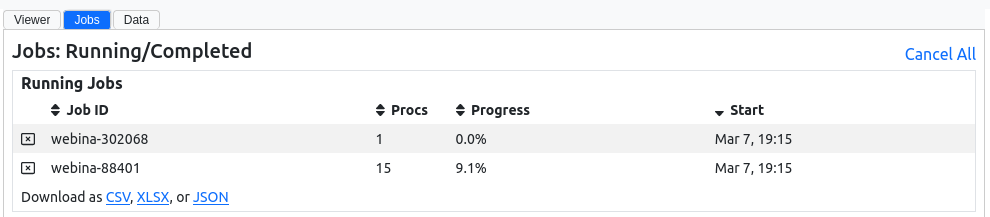
The Jobs panel tracks the progress of running tasks in real time, including docking calculations, with their completion status and runtime. A job history is also available, providing a record of past jobs for analysis and review.
Data
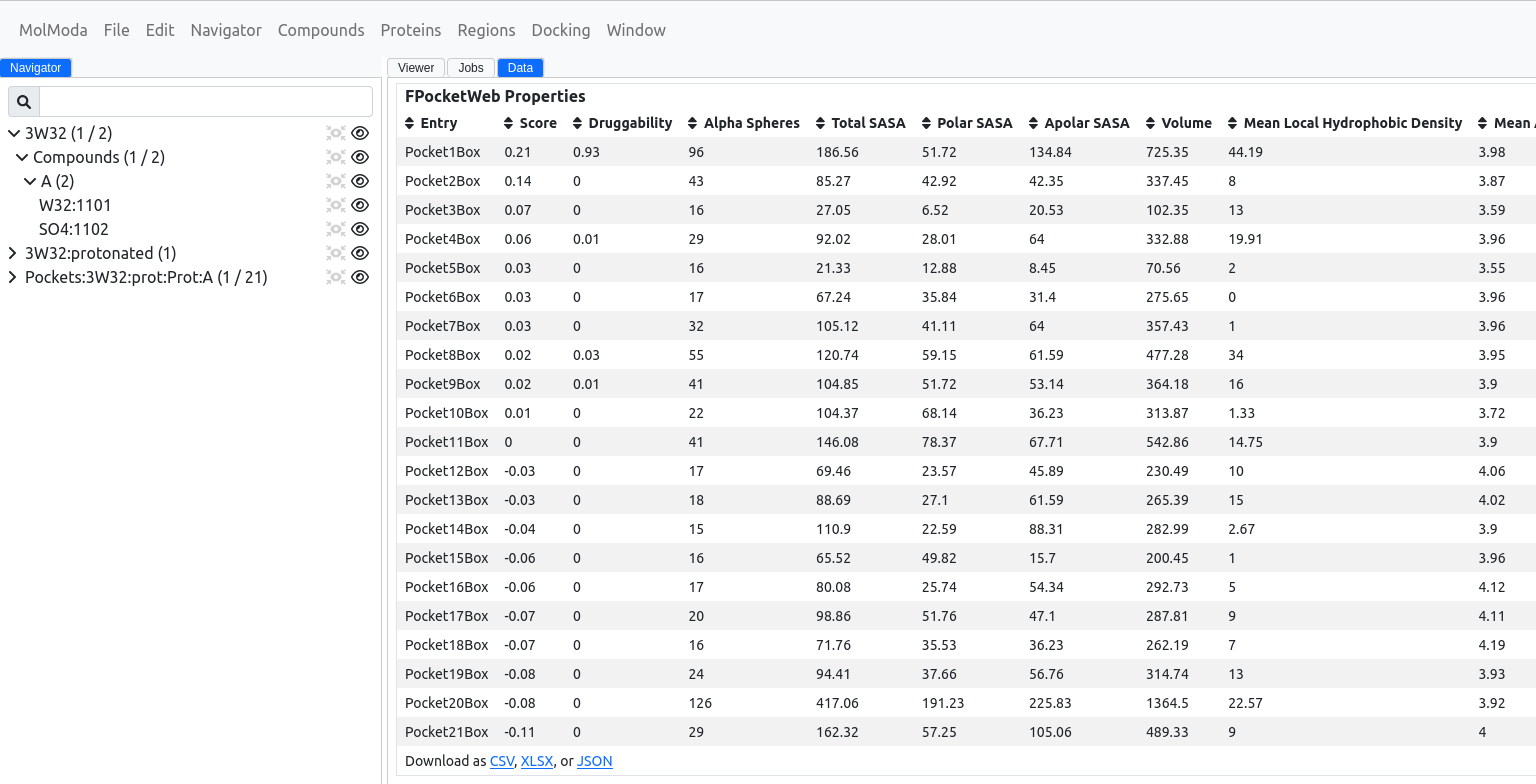
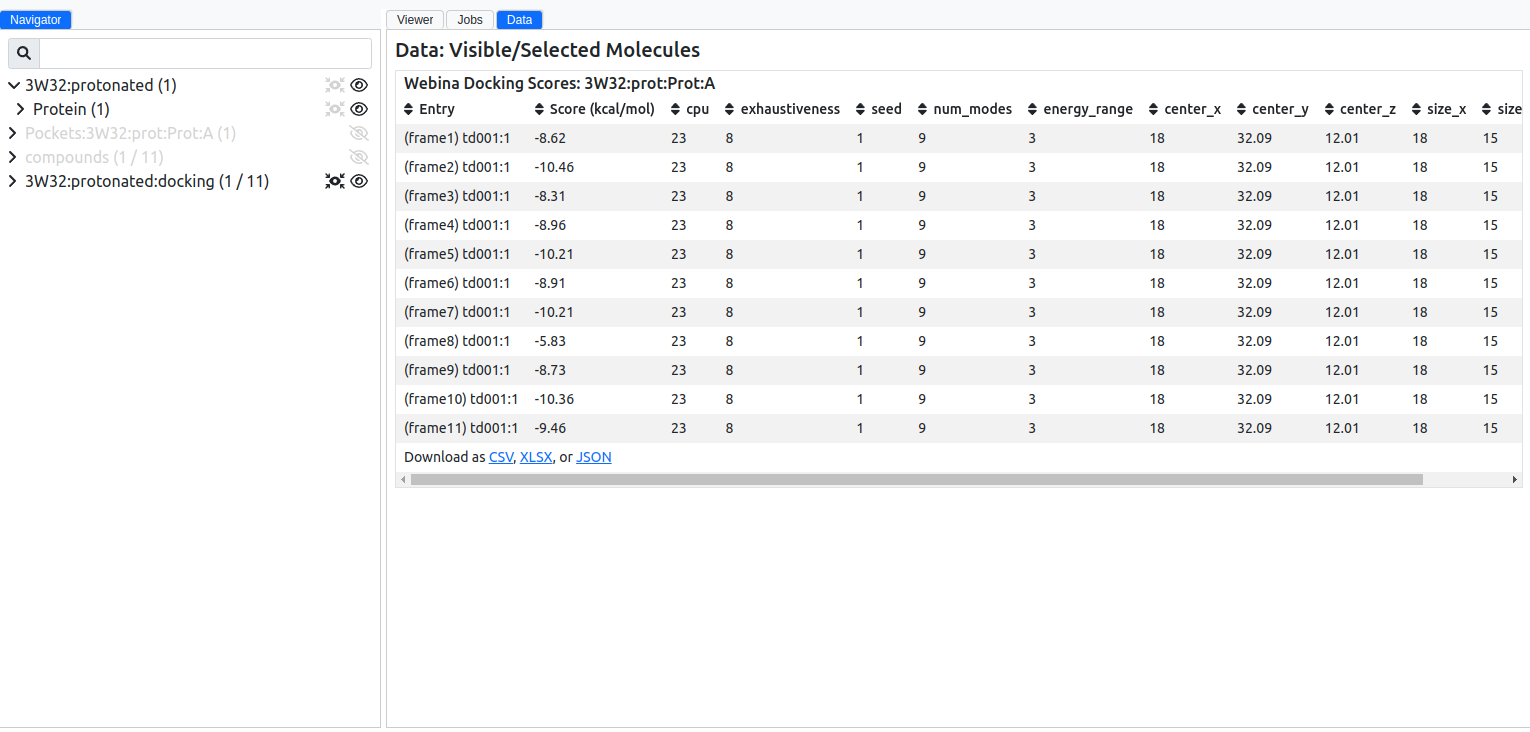
The Data panel organizes information from calculations including binding pockets, compound properties, docking scores and poses, and analysis output such as 2D interaction diagrams and ROC/enrichment-factor curves. Tables are sortable and filterable, making it easier to review results and select entries for further inspection.