Interface
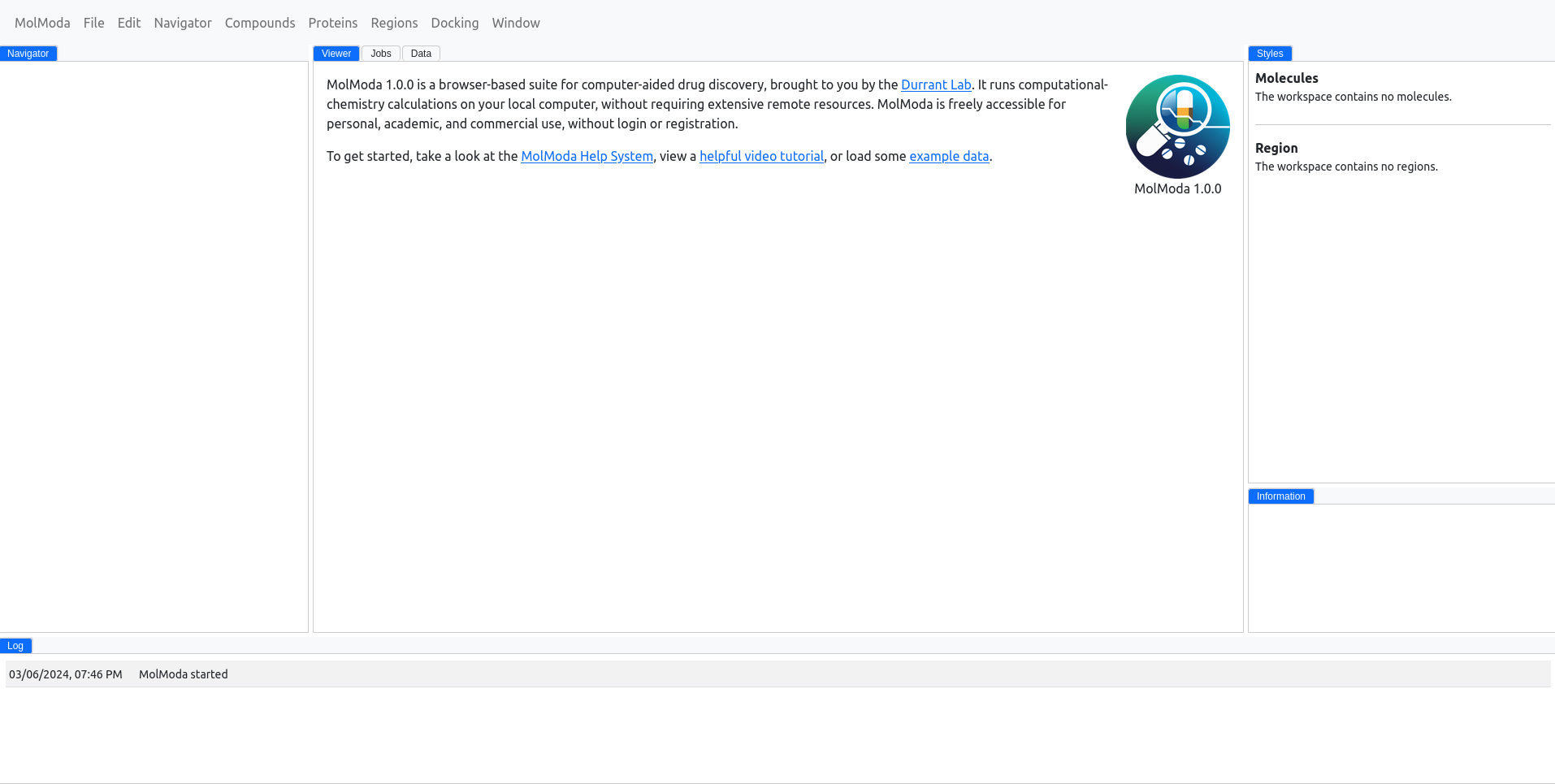
MolModa has an intuitive interface where all information for your project is shown in several panels. There are seven panels:
- Navigator — the list of molecules and regions in the project.
- Main — the 3D viewer, the jobs queue, and the data tables.
- Styles — visual representation controls for the selected molecules.
- Information — molecular properties and 2D structure for the selected compound, or sequence for a selected protein.
- Log — a running record of application messages and events.
You can switch between panels from the Window menu, and reset the layout at any time with Window Reset Layout.