New Visualization
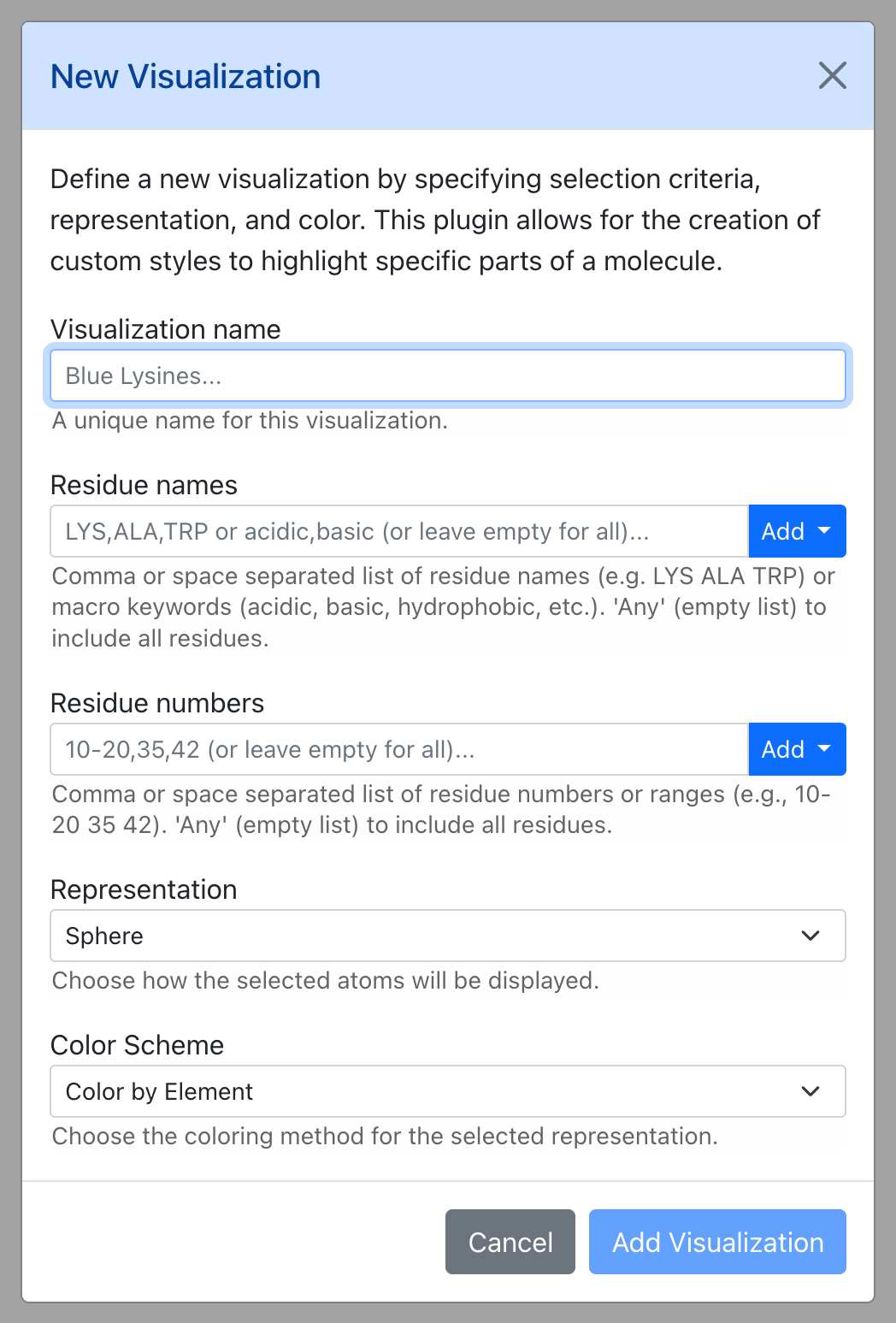
Define a new visualization by specifying selection criteria, representation, and color.
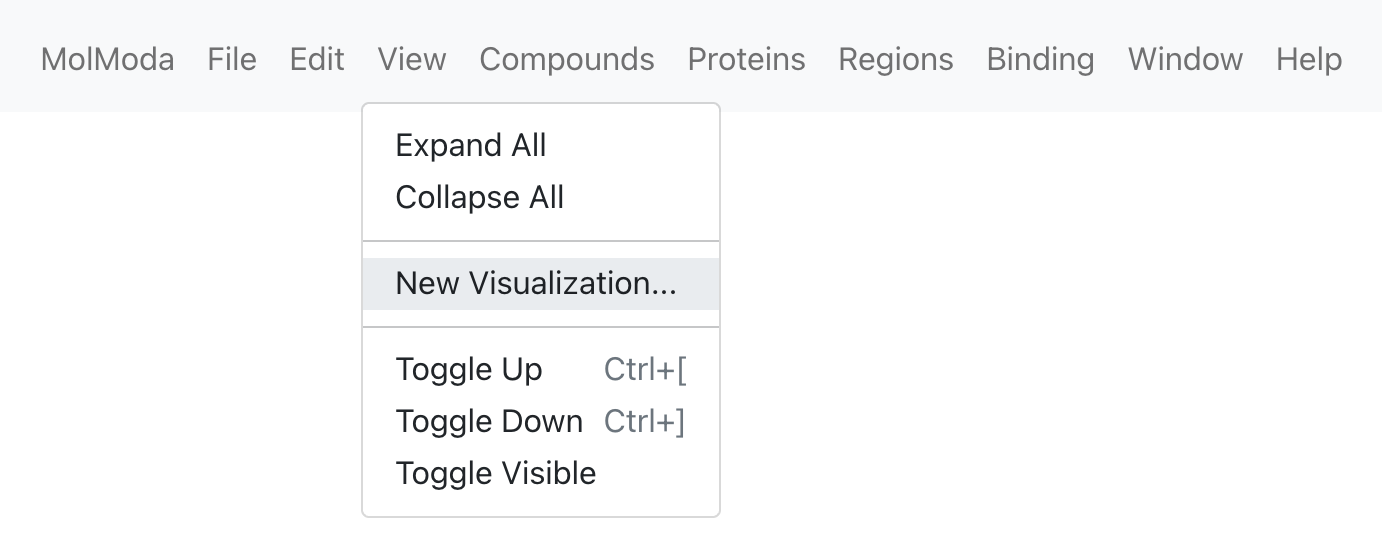
Menu: View → Visualizations → New Visualization
This plugin allows for the creation of custom styles to highlight specific parts of a molecule.
Where to find it
Dialog
Parameters
| Parameter | Default | Description |
|---|---|---|
| Visualization name | — | A unique name for this visualization. |
| Apply to molecule | — | Optional. Apply this visualization only to the molecule with this ID. Leave blank to apply to all molecules. |
| Residue names | — | Comma or space separated list of residue names (e.g. LYS ALA TRP) or macro keywords (acidic, basic, hydrophobic, etc.). 'Any' (empty list) to include all residues. |
| Residue numbers | — | Comma or space separated list of residue numbers or ranges (e.g., 10-20 35 42). 'Any' (empty list) to include all residues. |
| Representation | sphere |
Choose how the selected atoms will be displayed. |