Molecular Text
Type or paste molecular text.
Menu: File → Import → Molecular Text
Guided tour: Launch in MolModa
This plugin allows you to manually enter or paste molecular data in various formats.
Where to find it
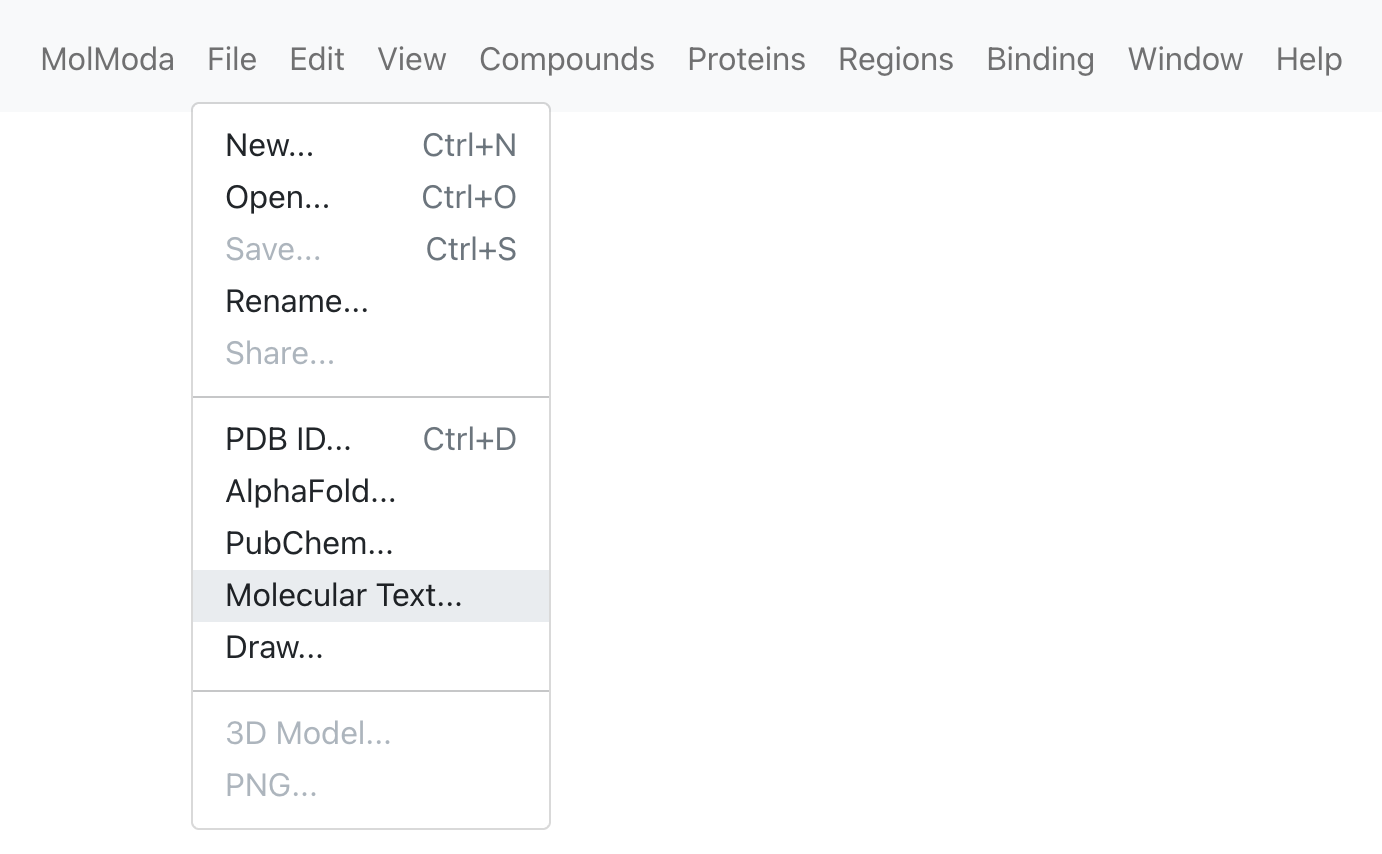
Dialog
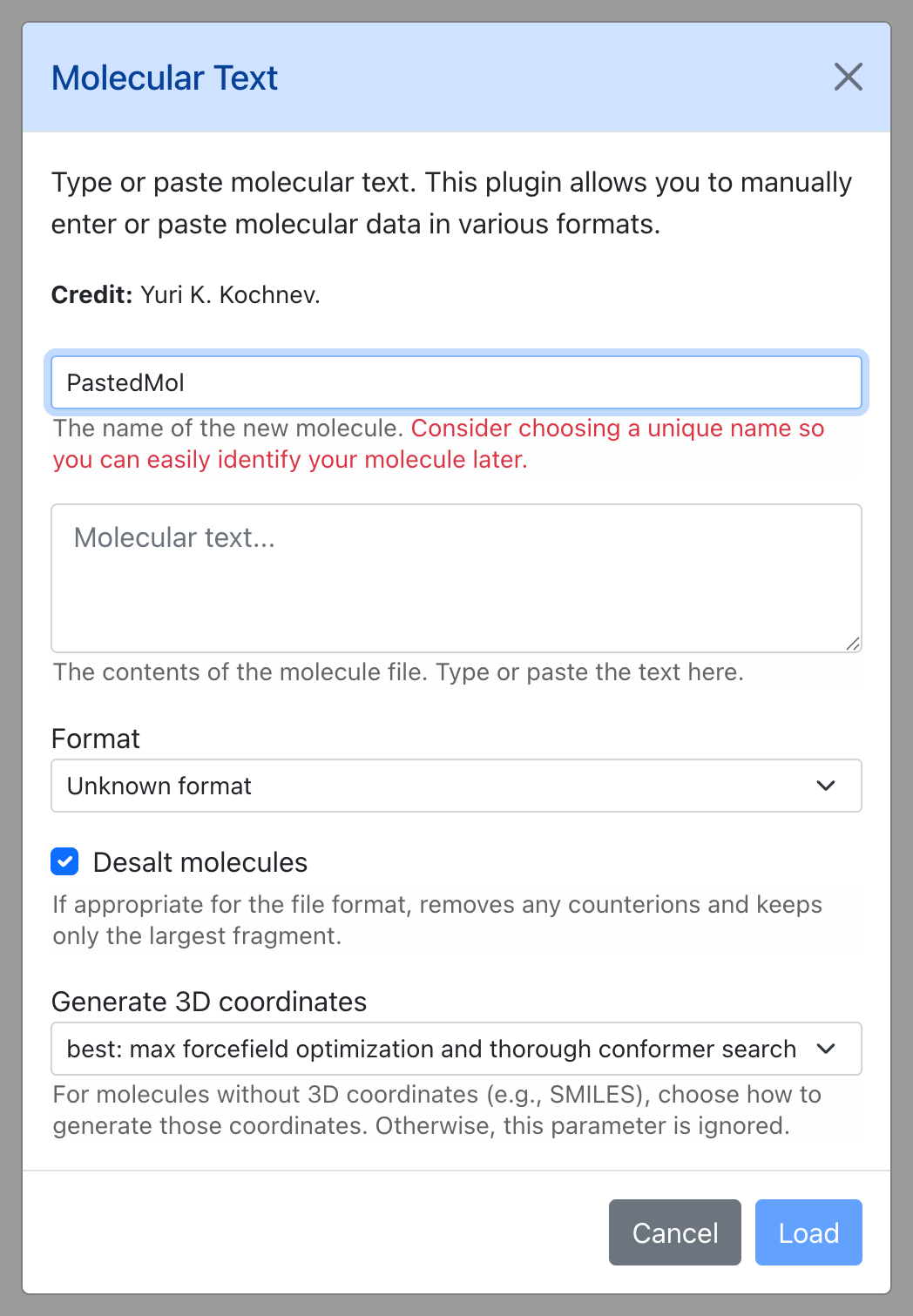
Parameters
| Parameter | Default | Description |
|---|---|---|
| Name of the new molecule… | PastedMol |
The name of the new molecule. |
| Molecular text… | — | The contents of the molecule file. Type or paste the text here. |
| Format | unknown |
— |
| Desalt molecules | Yes | If appropriate for the file format, removes any counterions and keeps only the largest fragment. |
| Generate 3D coordinates | best |
For molecules without 3D coordinates (e.g., SMILES), choose how to generate those coordinates. Otherwise, this parameter is ignored. |