Save Molecule Files
Save molecules to the disk.
Menu: File → Project → Save
Hotkey: s
Guided tour: Launch in MolModa
The MolModa format (recommended) stores all molecules in one file for easy reloading. Other formats (e.g., PDB) enable compatibility with external programs.
Where to find it
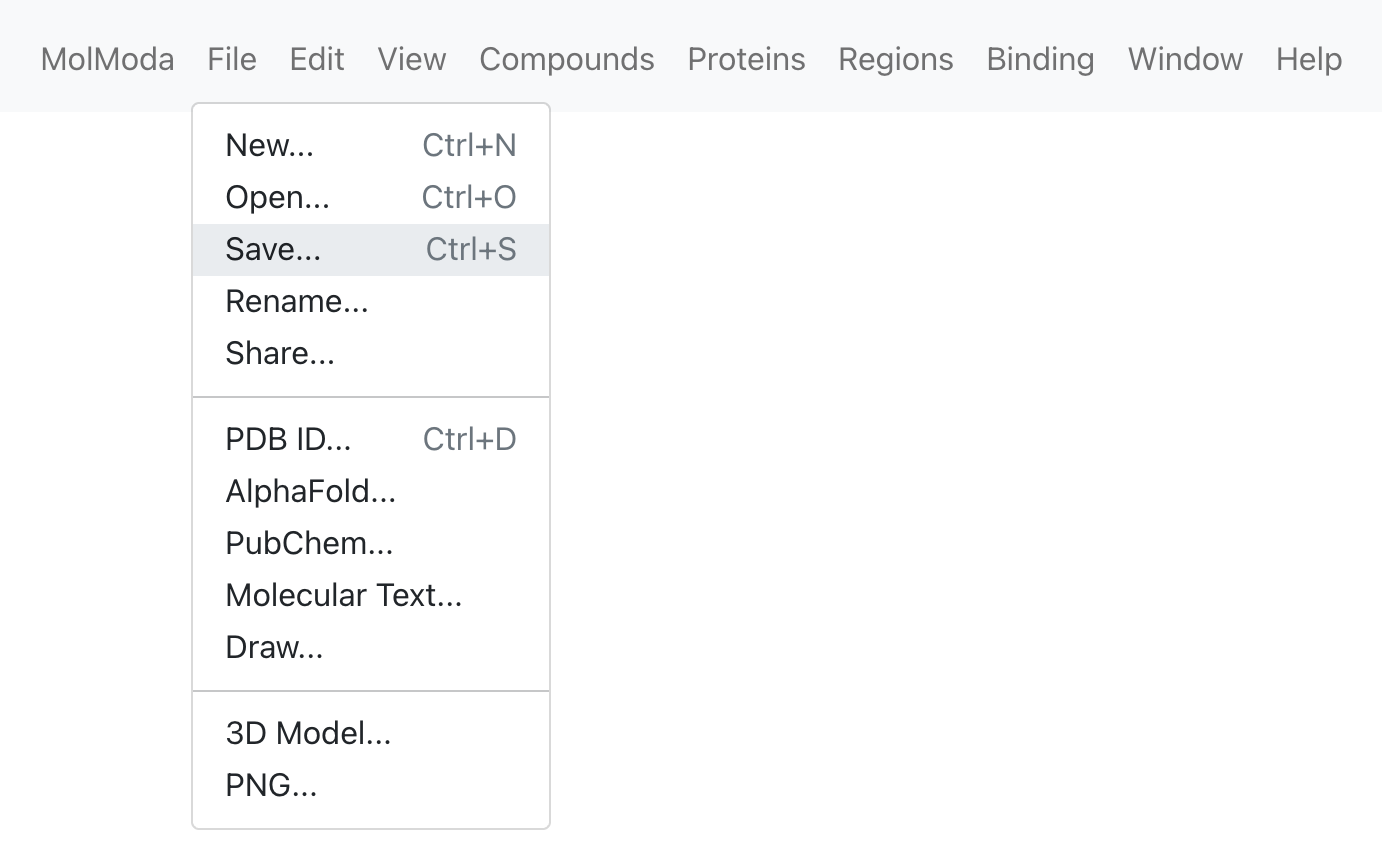
Dialog
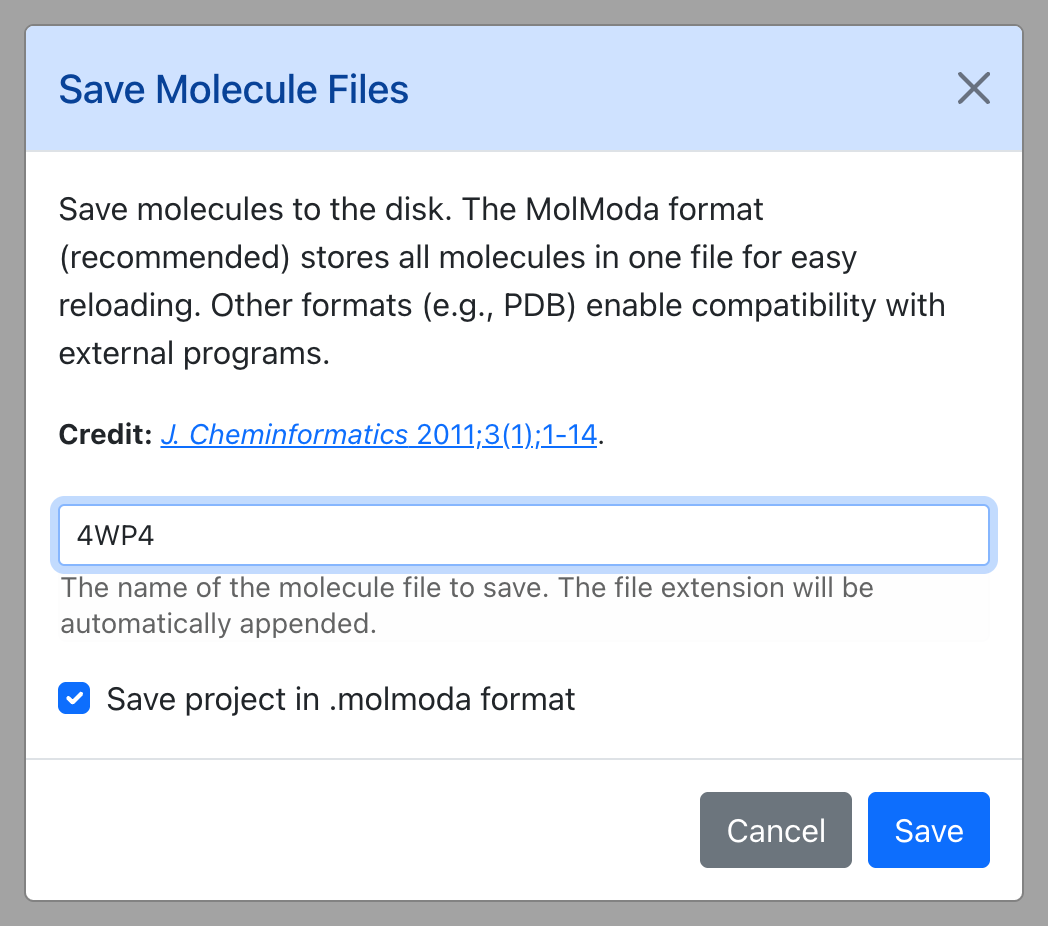
Parameters
| Parameter | Default | Description |
|---|---|---|
| Filename (e.g., my_project.molmoda)… | 4WP4 |
The name of the molecule file to save. The file extension will be automatically appended. |
| Save project in .molmoda format | Yes | — |
| Save components (Protein, Ligand, etc.) to separate files | Yes | — |
| File format for merged molecules | pdb |
— |
| Protein format | pdb |
— |
| Compound format | mol2 |
— |
| Nucleic format | pdb |
— |
| Metal format | pdb |
— |
| Ion format | pdb |
— |
| Lipid format | pdb |
— |
| Solvent format | pdb |
— |
| Other format | pdb |
— |
Molecules to Save
| Parameter | Default | Description |
|---|---|---|
| Visible molecules | Yes | — |
| Selected molecules | Yes | — |
| Other molecules (hidden and unselected) | No | — |