New Region
Add a new box or spherical region to the project.
Menu: Regions → New Region
Guided tour: Launch in MolModa
This plugin adds regions, which may be used to define the search space for docking calculations.
Where to find it

Dialog
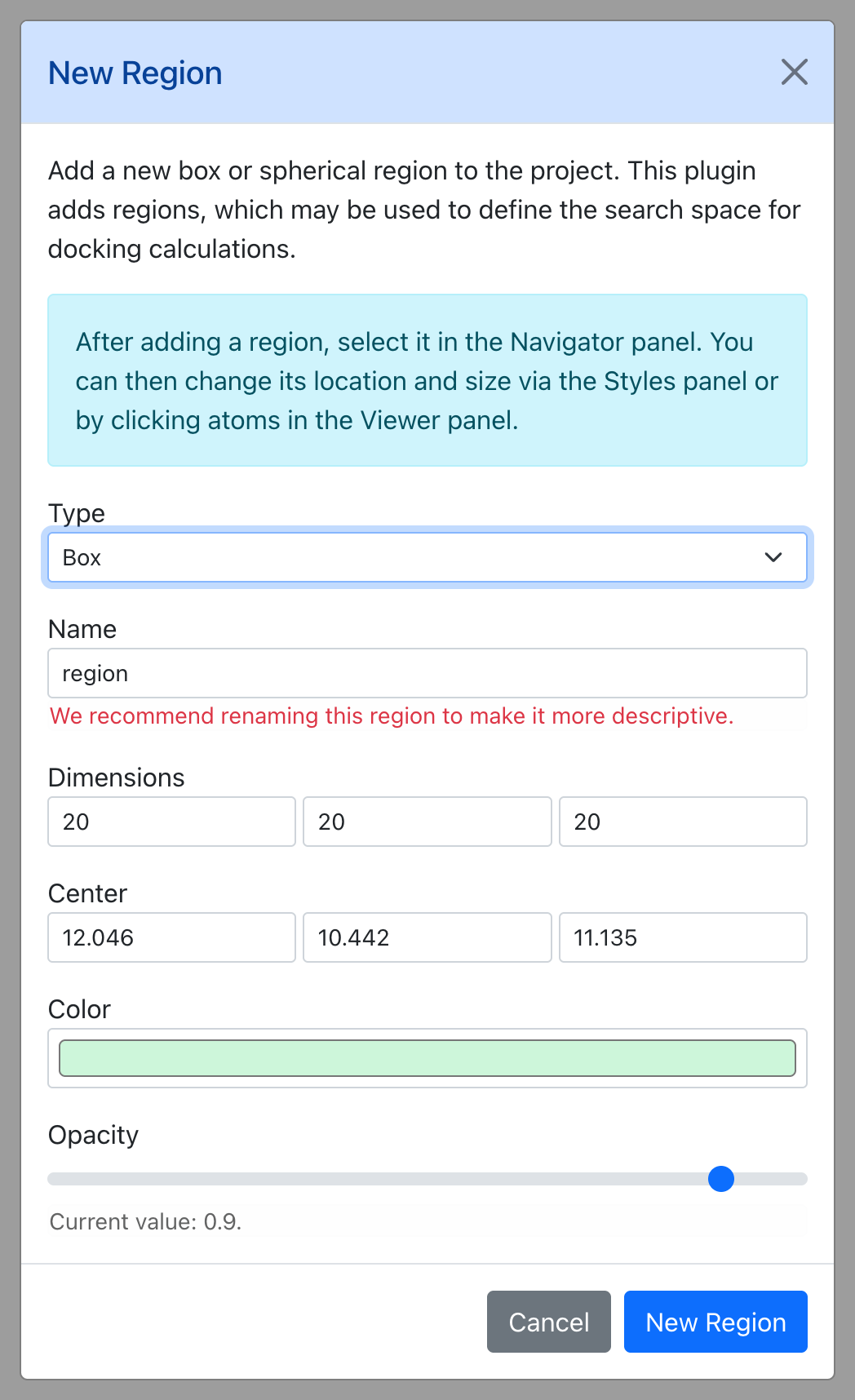
Parameters
After adding a region, select it in the Navigator panel. You can then change its location and size via the Styles panel or by clicking atoms in the Viewer panel.
| Parameter | Default | Description |
|---|---|---|
| Type | box |
— |
| Name | region |
— |
| Dimensions | 20, 20, 20 |
— |
| Radius | UserArgType.Alert |
— |
| Center | 12.046, 10.442, 11.135 |
— |
| Color | #cdf6da |
— |
| Opacity | 0.9 |
— |